MyChart Video Visit
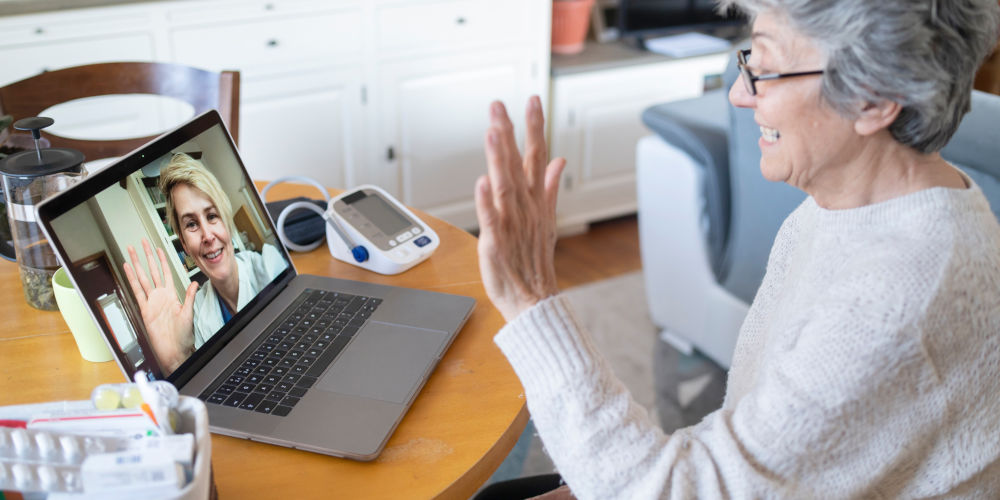
Loyola Medicine is now offering the ability for patients to have outpatient clinic visits conducted virtually by telephone or a video chat application on your smartphone, tablet or computer (equipped with camera and microphone).
To book a new virtual appointment, log into your MyChart account and select "Video Visit" when booking your appointment. If you are interested in changing your existing appointment to a virtual visit, please contact your physician’s office to schedule.
For additional questions about telehealth visits, call us at 888-584-7888.
Frequently Asked Questions About MyChart Video Visits
What do I need to have at home to have a video visit?
- You need to have a smartphone, tablet or computer that has both a camera and a microphone.
- You will need internet access or data service on your smartphone with a strong enough signal to conduct a video chat.
- Please review the Video Visit Web Browser Support for more information on confirming the settings on your smartphone, tablet or computer in advance of your appointment.
What do I need to do prior to my virtual visit?
In order to have a streamlined and successful virtual visit, Loyola Medicine recommends you do the following before your visit:
- Sign up for MyChart. You will use MyChart to launch your video visit.
- Complete your virtual eCheck-in through your MyChart account for your appointment.
- You can eCheck-in up to seven days prior to your video visit appointment.
- Have your insurance information and a credit card available (in case you have a copay or coinsurance) for the virtual check in.
- Within your MyChart account, you can test the video visit functionality prior to your appointment to confirm your smartphone, tablet or computer settings.
- You may start your video visit no earlier than 30 minutes prior to your appointment start time by selecting the green "Begin Visit" button.
For more information and resources, please refer to the How to Have a Successful Video Visit and the Patient Video Visit Guide.
Will I have to pay for a virtual visit?
Many insurance companies had unique coverage for telehealth during the COVID-19 outbreak in the U.S. Check with your insurance provider or speak with our financial counselors to confirm how your plan covers these types of visits.